

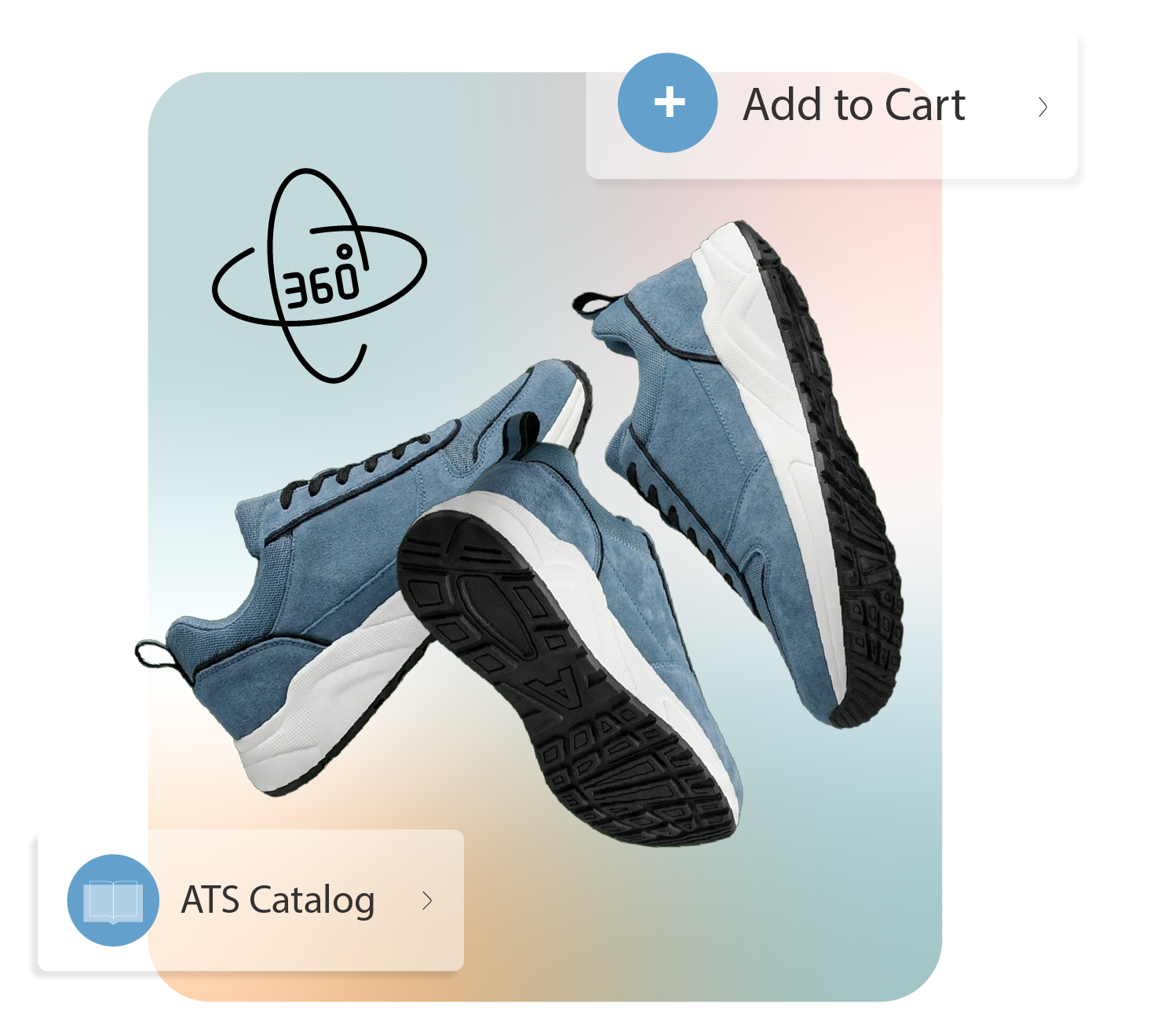
MAKE FOOTWEAR ORDERING MADE EASY
Elastic Streamlines Footwear Ordering Across Sizes and Widths
Enter footwear quantities by size and width, inspect planned availability, and apply your brand’s configured ordering rules to streamline and optimize wholesale orders via complex size grids.
KEY TAKEAWAYS
Elastic simplifies footwear ordering with quantity entry across sizes, widths, and colorways in one ordering matrix.
Buyers can review current availability and future restocks across size runs using imported ERP data.
Elastic supports prebook, at-once, and replenishment workflows through configurable catalog types and ordering rules.
Elastic helps footwear brands reduce manual work and improve order accuracy with streamlined digital ordering and ERP integration.
THE COMPLEXITY
Count the Cells
For buyers building footwear assortments across sizes, widths, and colorways, the quantity of decisions can add up quickly. Some footwear products are sold by size alone; others also include widths.
Take an illustrative boot with 12 sizes, 2 widths, and 5 colorways. A size-by-width grid has 24 cells for each colorway, or 120 quantity decisions across the style’s five colorways. Across a 60-style seasonal line with the same assortment, that is 7,200 combinations! Managing those quantities through spreadsheets, PDF line sheets, and phone calls can lead to manual data-entry errors.
Elastic lets buyers enter quantities by size and width, check availability, and place orders within your rules—so they can review their selections quickly and easily.
THE INEFFICENCIES
Where the manual ordering process breaks down
Manual ordering workflows can create inefficiencies in three areas: quantity entry, availability review, and ERP handoff.
1. Entry. Reps and buyers rekey quantities from spreadsheets or build orders for one cell at a time. Gaps in a size run and wrong quantities surface after submission, when the fix is a phone call and a revised order.
2. Availability. Stale counts steer buyers toward sizes that are already spoken for. The result is a backorder email and a retailer who trusts your numbers a little less.
3. Handoff. An order that reaches the ERP and still needs cleanup moves the error to your operations team. Mismatched variants and re-entered orders slow fulfillment.
THE SOLUTION
How Elastic B2B eCommerce Order Management Platform supports Footwear ordering
Elastic is a B2B ordering platform built for brand manufacturers with deep catalogs. For footwear brands and retailers, these specific platform capabilities help support an optimized workflow:
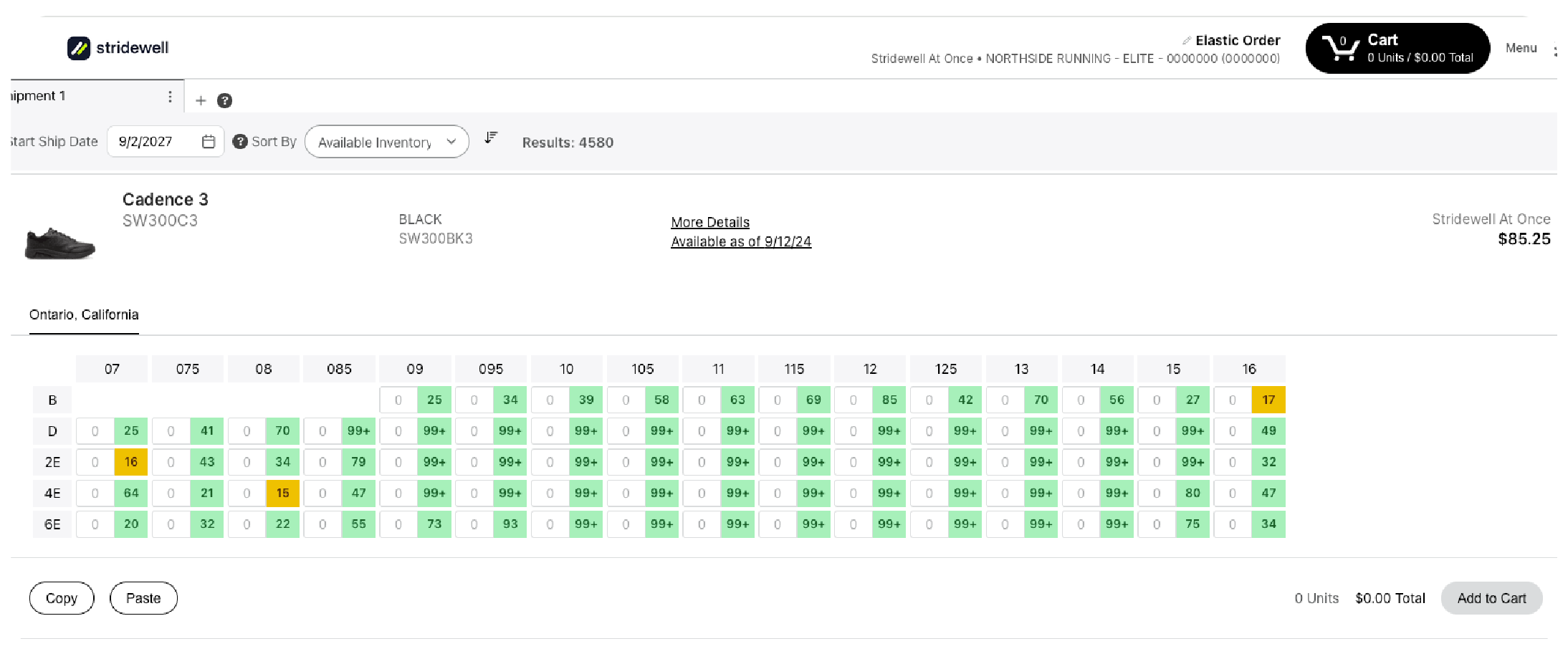
Quantity entry by size and width
Reps and buyers enter quantities across sizes and widths for each colorway. Each quantity is associated with the selected style, colorway, and size/width combination.
Quantity copying and run visibility
Utilizing Elastic’s copy/paste feature to quickly copy a size run to multiple styles. Buyers can inspect inventory across the run and hover over sizes with future inventory to see the next restock.
Imported availability and configured ordering rules
Elastic accepts inventory availability updates from your ERP as often as every 30 minutes. Between imports, it uses the countdown strategies you configure. Catalog type sets the ordering rule. Blocking catalogs restrict ordering to available quantities, and three other catalog types intentionally allow ordering beyond availability. Orders flow back to your ERP in the structure it expects.
Ordering across the season
Prebook, at-once, and replenishment ordering can use common Elastic workflows. The availability shown and the quantities a buyer can order depend on the brand’s configured catalog types, order rules, and imported data.
STAGE
Prebook
At once
Replenishment
BUYER DECISION
How deep to buy each size, width, and colorway, months ahead
What to land on the floor now
Which core sizes to refill
AVAILABILITY TO REVIEW, SUBJECT TO CONFIGURATION
Imported selected ship window, where supplied and supported by the catalog rules
Imported availability, adjusted by the configured countdown strategy and catalog rules Imported availability, adjusted by the configured countdown strategy and catalog rules
Imported availability for refill sizes, with future-stock details where supplied
How OS1st connects its wholesale operations
Elastic client, OS1st, ran wholesale orders by phone and email, which was slow and error-prone. Today, about 35% of its wholesale orders flow through Elastic Suite, with better accuracy and less admin work, while the number continues to grow.“ Each month from 2025 to 2026, OS1st retailers placed 7.4% more Elastic orders on average than in the same month a year earlier. “Elastic gives our reps the tools to build relationships, not just orders,” says Chris Bevin, SVP of Business Development at OS1st.
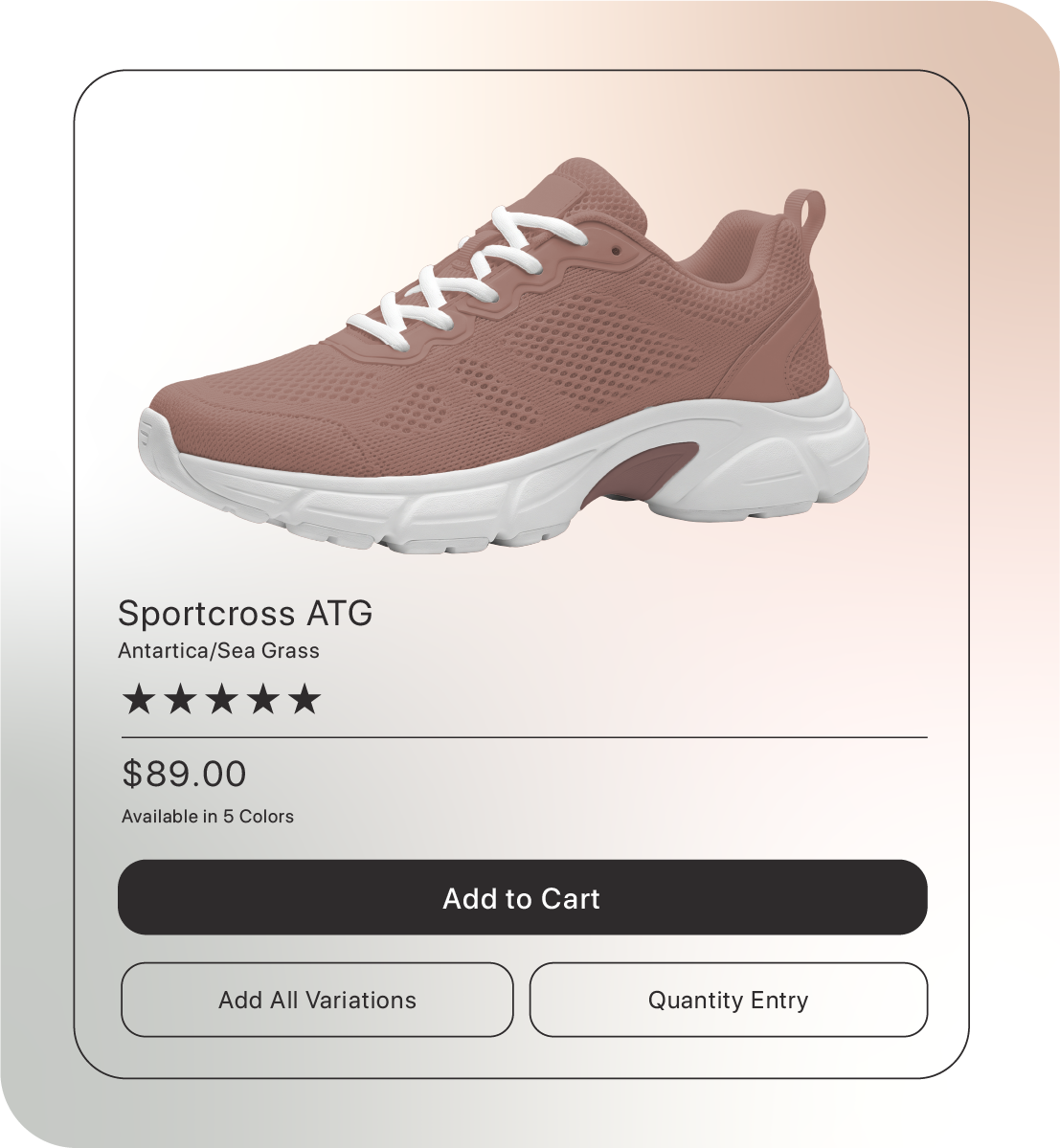
Elastic shows users far more than inventory. Alternate images, video, 360° views, 3D, feature and technology details, and similar and complementary products give them what they need to buy with confidence. Additionally, the Explore home page enables brands to merchandise wholesale with the polish of a consumer storefront.
EVALUATION
Five questions to ask any wholesale ordering platform
Compare platforms through real tasks your teams and retailers perform. A feature list provides a starting point, but a realistic demonstration shows how those features work together.
01
How does Elastic keep inventory availability up to date so dealers can order confidently and brands can avoid overselling?
02
Can you review entered quantities and availability across sizes and widths, and inspect the next restock for sizes with future inventory?
03
What happens after an order leaves the platform, and which ERP checks or manual reviews may change it?
04
Show me a style with sizes, widths, and multiple colorways. What does the order grid or matrix look like?
05
How do configured catalog types and order rules support prebook, at-once, and replenishment workflows, including ordering beyond displayed availability?
PURPOSE-BUILT FOR B2B
See your own footwear assortment in Elastic
Bring a style with sizes, widths, and multiple colorways to a demo. Explore quantity entry, copying, availability visibility, and the catalog rules for your ordering workflow.
FREQUENTLY ASKED QUESTIONS
Still have questions?
How does Elastic support ordering by size and width?
Elastic presents sizes as columns, with widths available as alternate-size rows that make up the ordering matrix. Each colorway is presented separately, so a buyer or rep enters quantities for the selected style and colorway across its size/width combinations.
How can buyers enter and reuse footwear quantities?
Reps and buyers enter quantities across sizes and widths for each colorway. Where available, quantity-copy controls let buyers copy a size run to multiple styles. Buyers should review the copied quantities for the intended assortment.
How does Elastic show availability and apply ordering limits?
Availability depends on the brand’s imported data, selected ordering dates, catalog type, and configured rules. Buyers can inspect inventory across the size run and hover over sizes with future inventory to see the next restock. Configured quantity limits govern ordering where applicable; some catalog types intentionally permit orders beyond displayed availability.
What should footwear wholesale software handle beyond the size matrix?
Look for support for prebook, at-once, and replenishment ordering, with catalog types and order rules configured for each workflow. Review how styles, colorways, sizes, widths, and ship windows are represented, and confirm the ERP handoff and any downstream review requirements.
Elastic shows buyers far more than inventory. Alternate images, video, 360° views, 3D, feature and technology details, and similar and complementary products give them what they need to buy with confidence. Additionally, the Explore home page enables brands to merchandise wholesale with the polish of a consumer storefront.
Who is Elastic built for?
Elastic serves brand manufacturers with large catalogs and complex wholesale channels. It supports wholesale order entry and availability visibility according to each brand’s imported data and configured rules. The ERP remains the source of truth for downstream order changes and fulfillment.